As an Amazon Associate, we earn from qualifying purchases. Some links on this site are affiliate links at no extra cost to you. Our recommendations are based on thorough research and editorial judgment.

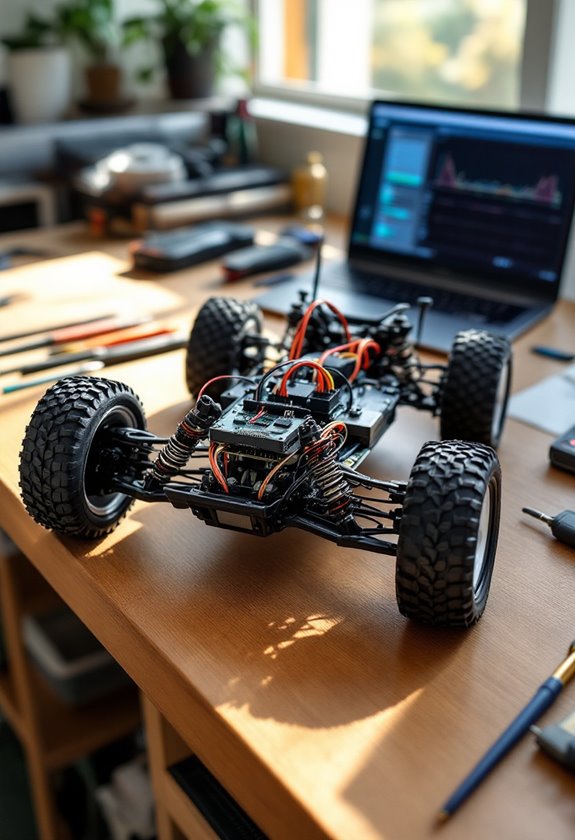
How To Program RC Crawler Car ESC?

To program your RC crawler car’s ESC, we start by preparing it—ensure good ventilation and secure wiring. Next, we’ll calibrate the throttle range by setting the throttle stick to full, then powering on while listening for beeps. After that, we access programming modes, often via the “SET” button. Adjust key parameters like brake settings and throttle response for better control. Stick with us, and you’ll uncover more tips to fine-tune your ESC for outstanding performance!
Key Takeaways
- Ensure proper connections by securely wiring the ESC to the motor and verifying battery wire polarity before programming.
- Power on the ESC with the throttle stick at full throttle to enter calibration mode, listening for beep signals.
- Move the throttle stick back to neutral to register midpoint, followed by confirmation beeps for successful throttle setting.
- Access the programming mode by holding the “SET” button upon power-up, looking for the flashing red LED indicator.
- Adjust key parameters like brake settings, drag brake force, and throttle response for tailored performance in various terrain conditions.
Understanding Your ESC and Its Functions
When we immerse ourselves in the world of RC crawler cars, understanding the Electronic Speed Control (ESC) is essential, as it plays a pivotal role in how our vehicle operates. First, let’s cover some ESC terminology basics. The ESC controls motor speed using Pulse Width Modulation (PWM), receiving throttle signals and translating them into motor commands. It’s vital to know the motor types overview: brushed or brushless. Make sure your ESC is compatible with your motor, and check connections carefully. Understanding running modes is essential, including forward-only or forward/reverse options. Additionally, settings like cutoff voltage can protect our batteries. Embracing these details helps us enhance our RC crawling experience and keeps our vehicles running smoothly! Furthermore, having an ESC with telemetry features can provide real-time data on performance, significantly improving your control and enjoyment during races.
Preparing for Programming
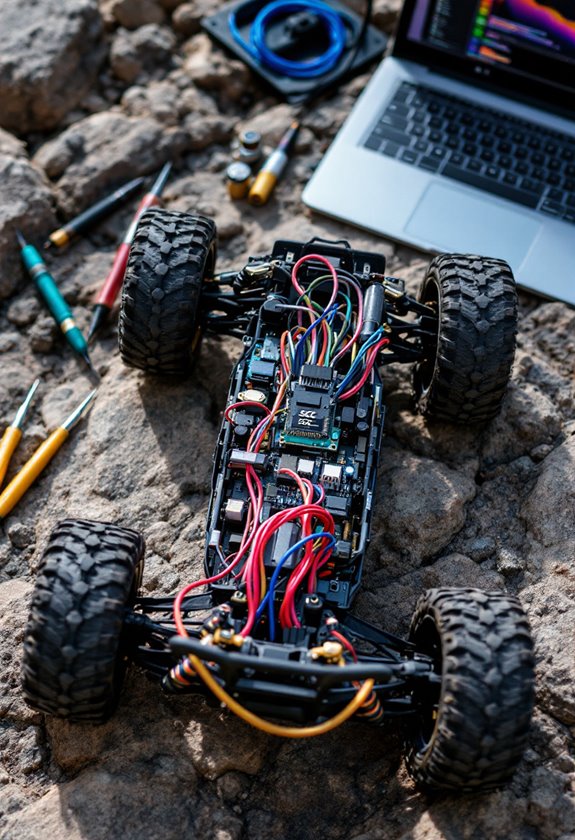
With our ESC knowledge in hand, we’re ready to prepare for programming. First, let’s select a suitable installation location for our ESC: it should be well-ventilated and away from vibrations, guaranteeing durability. Next, we’ll perform essential wiring checks. We must connect the ESC wires securely to our motor and make sure the receiver wire is hooked to the throttle channel. Remember to double-check the polarity of the battery wires—red to red and black to black—to avoid any damage. As we power up, let’s verify our transmitter is on, the throttle trim is at zero, and the ESC switch is off when we connect the battery. Taking these steps will set us up for smooth programming! Additionally, pre-oiled and sealed designs can significantly aid in maintaining the reliability of your RC components.
Recommended Products

【What is this】 This is a jet engine for an aircraft model. It provides power for your model so that your model can fly. Of course, you can also use it for other purposes, such as automatic robots, laboratory research aerodynamics, large flow inhalation or exhaust.

Smart all-in-one telemetry

Designed for Axial SCX30. Its compact footprint and optimized layout ensure perfect fitment, balanced weight distribution, and efficient power transfer through the SCX30 drivetrain.
Calibrating the Throttle Range
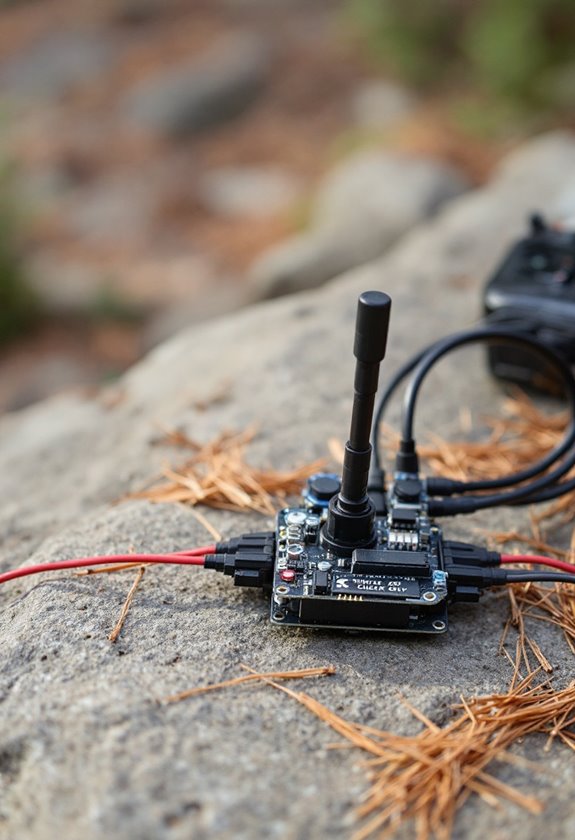
Calibrating the throttle range of our ESC is a critical step that guarantees our RC crawler car responds precisely to our inputs. To kick things off, we need to set our throttle stick to full throttle before powering on the ESC. Once powered, we’ll hear beeps signaling entry into calibration mode. Next, we can move the throttle stick back to neutral for the ESC to register the neutral position. Remember, calibration teaches the ESC the throttle endpoints—minimizing potential calibration errors that could lead to dead zones in throttle response. After calibration, it’s essential to listen for confirmation beeps, ensuring our throttle settings are saved successfully. Following these steps keeps our RC crawler running smoothly and efficiently! Additionally, ensuring the ESC is compatible with the brushed motors used in your crawler can enhance performance during calibration.
Recommended Products

Smart all-in-one telemetry
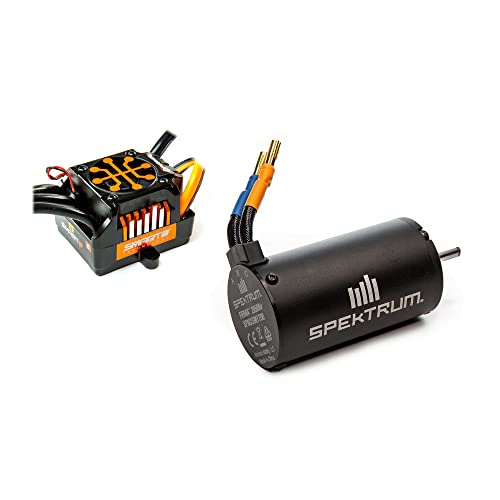
Smart all-in-one telemetry

Black Edition Case
Accessing ESC Programming Modes
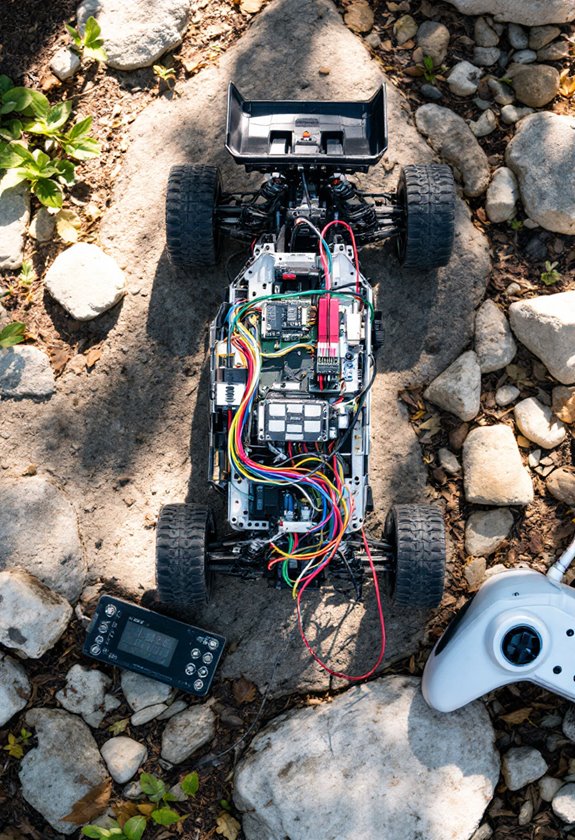
Accessing the ESC programming modes is essential for fine-tuning our RC crawler car’s performance, and it’s easier than it sounds. To get started, we can use various programming methods, like holding the “SET” button while powering on—this triggers a flashing red LED. Once we see that, we quickly release the button to enter programming mode. Alternatively, some ESCs respond to specific throttle positions during power-up, such as full forward or backward. Before plunging in, verify our transmitter’s throttle endpoints are at 100% and the throttle trim is neutral. Always confirm compatibility between the ESC and transmitter. Following these steps helps us access programming modes effectively, setting the stage for precise customization. Additionally, understanding power source considerations can significantly impact our crawler’s performance during operation. Let’s dive into our RC adventures!
Recommended Products

160A Sensored Brushless Control for Competitive Racing Delivers ultra-smooth throttle and braking response, designed specifically for 1/10 scale stock and mod racing applications with consistent performance lap after lap.

【1/10 COMPETITION POWER】160A continuous current with 760A peak burst delivers explosive acceleration for 1/10 touring cars, drift cars, and on-road racers.

QUICRUN FUSION 8ight: 80A/240A Main Application: 1/8 crawler
Adjusting Key ESC Parameters
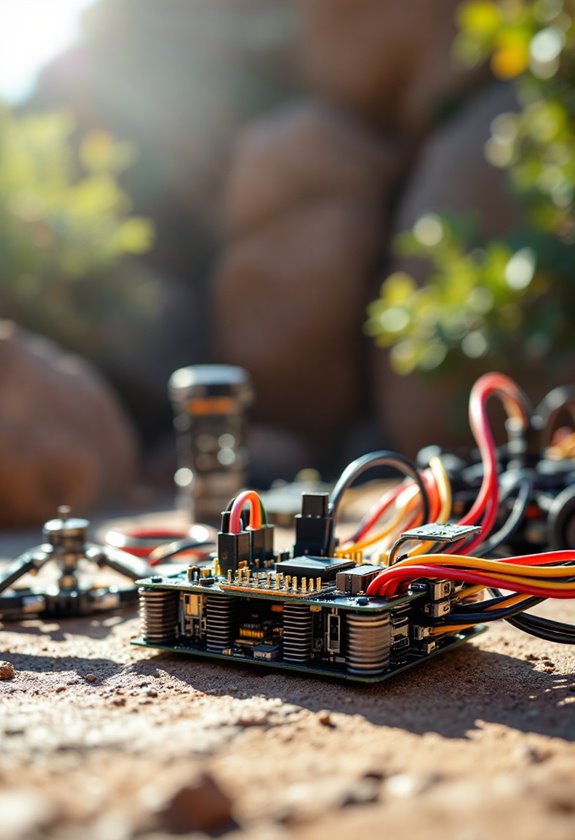
Adjusting key ESC parameters is essential for optimizing our RC crawler car’s performance to match our driving style and terrain. First, let’s consider our brake settings. We can adjust the drag brake force to help hold our car on inclines—starting low, ideally below 20%, is wise for smooth trail running. The drag brake rate also matters; levels 1 through 9 offer varying responsiveness, with auto mode adapting based on our speed.
Next, throttle response dictates how our car accelerates. A smaller throttle deadband means quicker response, while proper endpoint adjustments are vital for matching our transmitter settings. Remember, using the double-click method in “Forward/Reverse with Brake” mode can prevent accidental reverses—keeping our crawling smooth and controlled! Additionally, understanding suspension tuning is critical for handling different terrains effectively.
Recommended Products

Extreme Heavy Duty components come factory-installed on Drag Slash for game-changing durability

Platinum HV 180A V5 Constant speed performance upgrade, ultimate flight experience The 32-bit processor combined with the RPM accuracy algorithm makes the ESC more powerful and more consistent, maximizing the RPM accuracy to enhance overall performance. The adjustable constant speed sensitivity allows every pilot to easily find a setting that suits them personally!

Traxxas 3484 - Velineon VXL-6s Waterproof Brushless ESC w/ 2000Kv Motor
Fine-Tuning ESC Settings for Optimal Performance
After we’ve set the key ESC parameters to suit our driving preferences, fine-tuning these settings can considerably enhance our RC crawler car’s performance. First, let’s calibrate the ESC to align its throttle range with our transmitter signals; this guarantees accurate acceleration and braking. Remember, we should recalibrate if we change settings or use a different transmitter.
Next, we should adjust our drag brake settings. A 10-20% drag brake is often suitable for smooth operations in rock crawling, balancing climb hold without burdening the motor.
We can also tweak the throttle deadband for better throttle responsiveness. A smaller deadband enables quicker responses, while a larger one provides a safety buffer. Regular testing helps us refine these adjustments for peak performance. Additionally, considering the material durability of your RC crawler bumper can further enhance your vehicle’s overall performance on various terrains.
Recommended Products

Metal Synthesis Shell: Full metal sheet metal synthesized body, visual interior and flip-open hood, taillight with working turn signals, reversing lights, etc. Maximum restoration of the simulation of the car effect

[Exclusive Metallic Green Limited Edition]: Make a bold statement with the new metallic green body and black bed combo—no roll cage, just a clean, rugged truck-bed look with vintage-style wheels. This limited edition design delivers a premium, aggressive aesthetic that stands out on any trail.

Pro-level Drag Brake performance and adjustability
Safety and Maintenance Tips for Your ESC
When we’re working on our RC crawler car’s electronic speed controller (ESC), it’s essential to prioritize safety and maintenance to keep everything running smoothly. Regular ESC cleaning is important—let’s make it a habit to remove dirt, dust, and moisture after each use. We should always check wiring integrity; verify all connections are tight and free of corrosion. Monitoring battery health is critical too; a failing battery can cause ESC malfunctions. Finally, we must keep our ESC firmware updated to enjoy improved features. By routinely inspecting these components, we’ll minimize risks and maximize performance. Let’s stay proactive, and our ESCs will thank us with extended lifespans and reliable operation!
Frequently Asked Questions
Can I Use Any Battery Type With My ESC?
We can’t use just any battery type with our ESC. It’s vital to guarantee battery compatibility, matching the ESC voltage rating. Doing so helps us avoid damage and keeps our RC crawlers performing at their best.
How Can I Reset My ESC to Factory Settings?
Like resetting a phone to factory settings, we can simplify our ESC reset process. To restore factory settings, we need to follow the specific procedure carefully, ensuring everything’s set before starting. Let’s do this together!
What Does the ESC LED Color Indicate?
The ESC LED colors help us with signal interpretation, revealing battery status and calibration issues. For instance, blinking red often alerts us to low voltage, while solid green usually indicates proper LiPo mode configuration.
How Often Should I Update My ESC Firmware?
We should aim to update our ESC firmware regularly, ideally whenever we notice known bugs or major hardware changes. Staying updated boosts performance and offers benefits like improved throttle response—keeping our community thriving together.
Can I Program My ESC Without a Computer or App?
Yes, we can program our ESC without a computer or app using ESC programming methods. By following ESC button sequences, we’ll adjust settings like throttle endpoints and brake behavior directly on the ESC for better performance.